Free Access to Premium Account
We are redefining how you experience premium digital services. This technology allows you to access premium applications just like a paid user leaving no digital footprint, requiring no login credentials, and running incredibly seamlessly. Simply copy the code, paste it into your browser, and our system will instantly synchronize premium access to your device





How to use
1 Install Editor

Start by installing Cookie Editor into your browser. Cookie Editor is available for Chrome, Mozilla, Safari, Edge, and Opera browsers. The installation process is very fast and does not require complex configuration. Download here
2 Find service you need
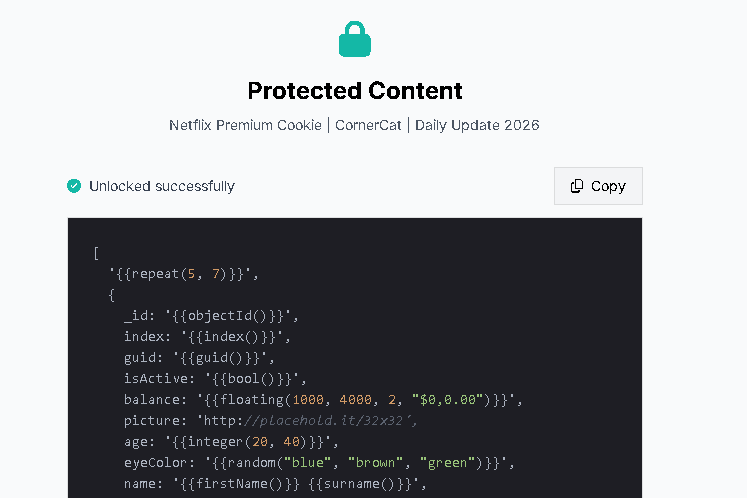
Find the service you need on this website. Follow the instructions to get your access code. Once you have the code, copy it for the next step.
3 Paste the code
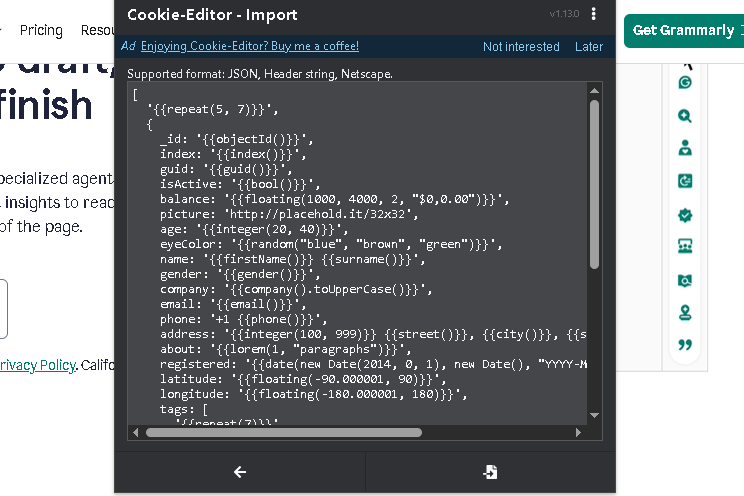
Open the website of the service you need. Make sure you are logged out of all accounts on that site. Open Cookie Editor on the website's homepage, click "Delete all", and then select "Import". Paste the code you obtained earlier and click "Import" to apply it. Wait a moment, refresh the page, and enjoy your premium service.
Still confused? Check out the full tutorial
Full Tutorial